

Saccani Live Studio
Build compositions from captured windows, videos, audio files and YouTube live chat, warp them onto any surface and send each one to its own output: an external display over HDMI, or a Blackmagic device.
Version 0.23.0
Features
Live video composition, warping, playback and replay for the Mac.
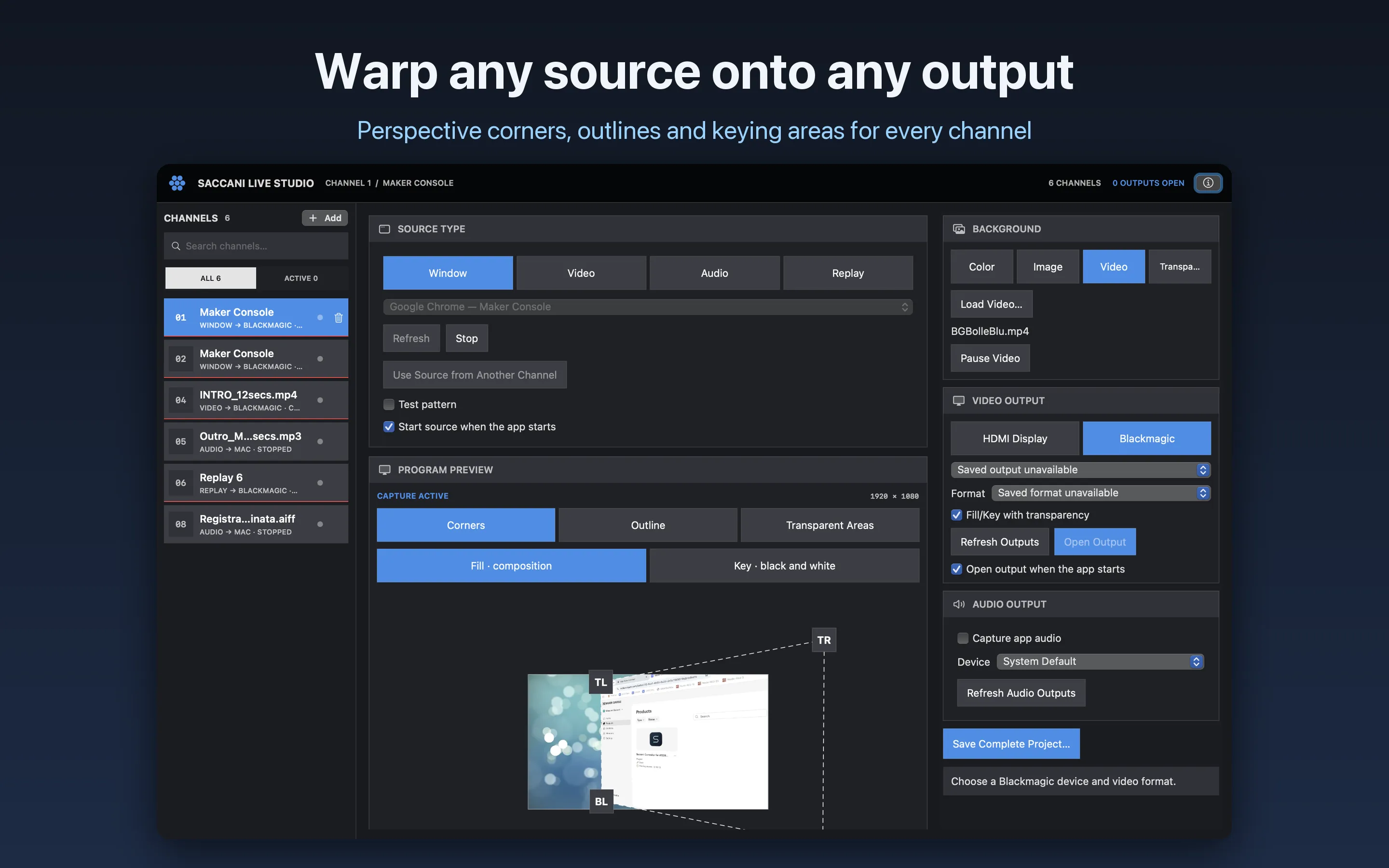
Perspective warping
Editable corners, outlines, rectangular and polygonal areas, colors, images, looping backgrounds and transparency for every channel.
Any output
Send each composition to an external display, HDMI included, with no Blackmagic hardware. Optional DeckLink output with Fill/Key when Desktop Video is installed.
Video and audio playback
Independent channels for local videos and audio files, each with its own transport, volume and macOS audio device.
Instant replay
Replay the last 15 seconds of the latest ATEM recording on any output, with a Replay label or counter, then restore the original source.
Live chat on air
Put YouTube live chat messages, Super Chats and memberships on air as styled cards, with the official YouTube Data API and your own key.
HyperDeck-compatible
The app can answer the HyperDeck protocol, so an ATEM, Stream Deck or Companion drives its video channels like a disk recorder.
Remote control
A local HTTP/WebSocket API for play, stop, jog, volume and replay, used by the Stream Deck plugins, Bitfocus Companion and your own controllers.
Ready for the show
Portable project packages, outputs that keep running from the menu bar, and a compact Playback Panel with Play and Stop for every channel.
Gallery
Take a closer look


Workflows
How it fits in your setup
- Live video deskMix windows, clips, cameras and audio on one Mac and send each composition to its own output, with the show on Stream Deck keys.
- Instant replayReplay the last 15 seconds of the latest ATEM recording on any output, then return to the show with one key.
- Clips for your ATEMSaccani Live Studio answers the HyperDeck protocol, so an ATEM drives its video channels like a disk recorder.
- Live chat on airPut YouTube messages, Super Chats and memberships on air as styled cards, picked from Stream Deck.
- Projection on any surfaceWarp a window or a clip onto a wall, a screen or a set piece, with no extra hardware beyond an HDMI output.
- Any surface with CompanionRun Saccani Live Studio from any surface Bitfocus Companion supports, on Mac, Windows, Linux or Raspberry Pi.
Requirements
- macOS 14 or later
- Optional: Blackmagic Desktop Video for DeckLink output
- Optional: Screen Recording permission for window capture

